
AnimArq Systems — 3ds Max Pipeline Tools

Quatro ferramentas.
Um pipeline mais rápido.
Four tools.
One faster pipeline.

Escolha a ferramenta que você quer conhecer. Feitas por quem trabalha com 3ds Max todos os dias. Pick the tool you want to explore. Built by someone who works in 3ds Max every day.

B

Automação de RenderRender Automation

Smart Batch PRO

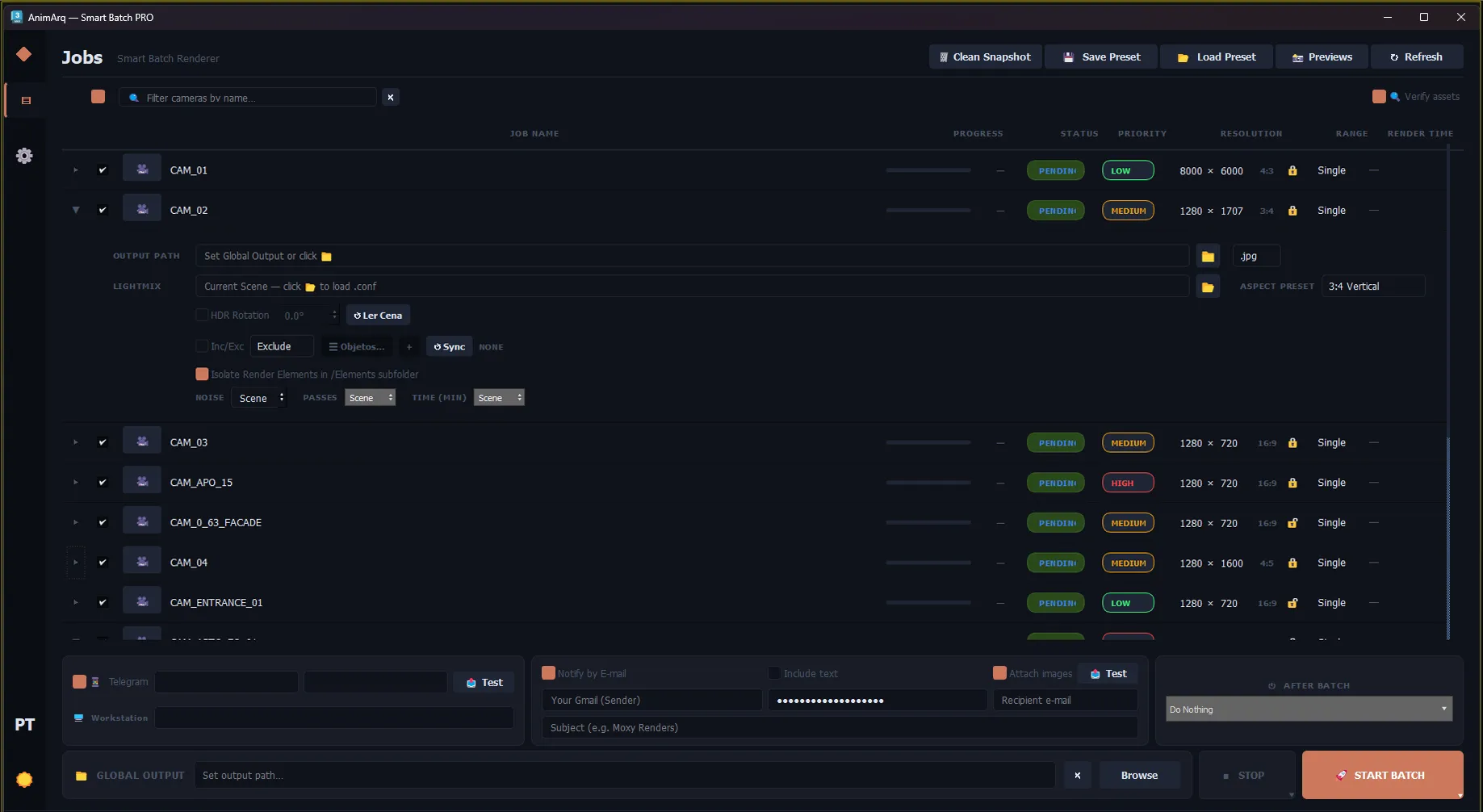
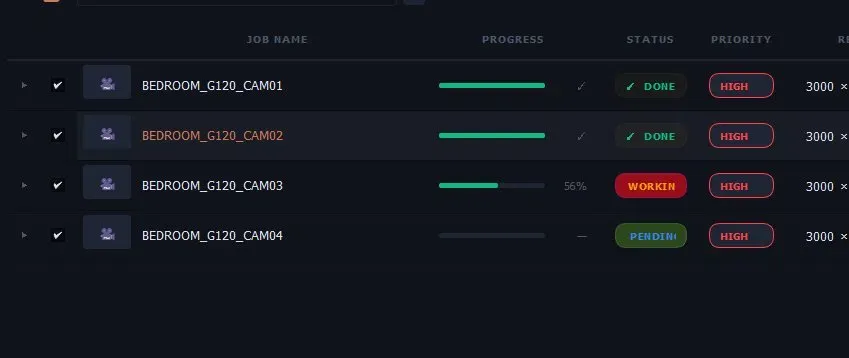
Gerenciador de fila de render independente. Trabalhe enquanto renderiza, com recuperação automática de crashes e avisos no Telegram. Independent render queue manager. Keep working while it renders, with automatic crash recovery and Telegram alerts.

  • Execução em background — máquina livreBackground execution — machine stays free
  • Watchdog anti-crash com auto-recoveryAnti-crash watchdog with auto-recovery
  • Notificações no Telegram com previewTelegram notifications with preview
DisponívelAvailable VerExplore
T

Padrões ProceduraisProcedural Patterns

Floor Tiler PRO

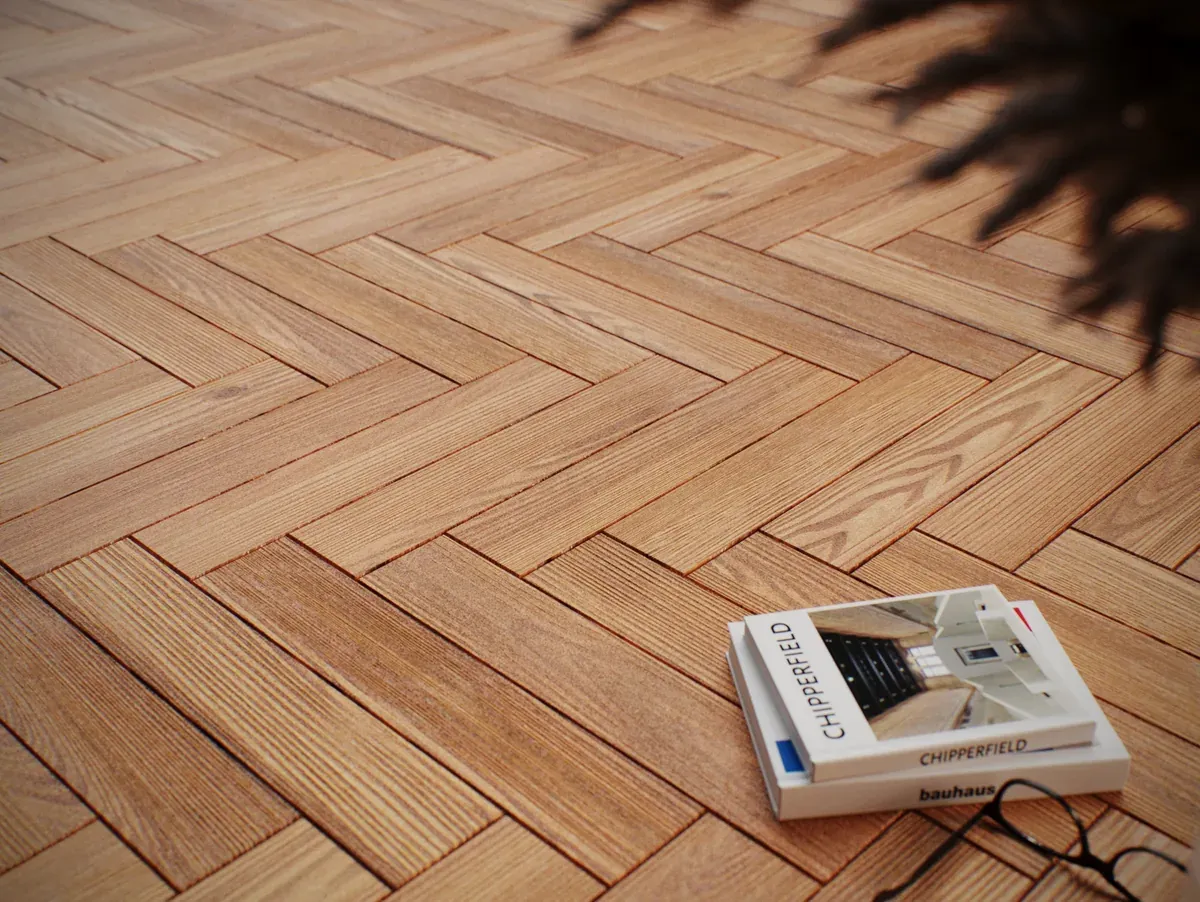
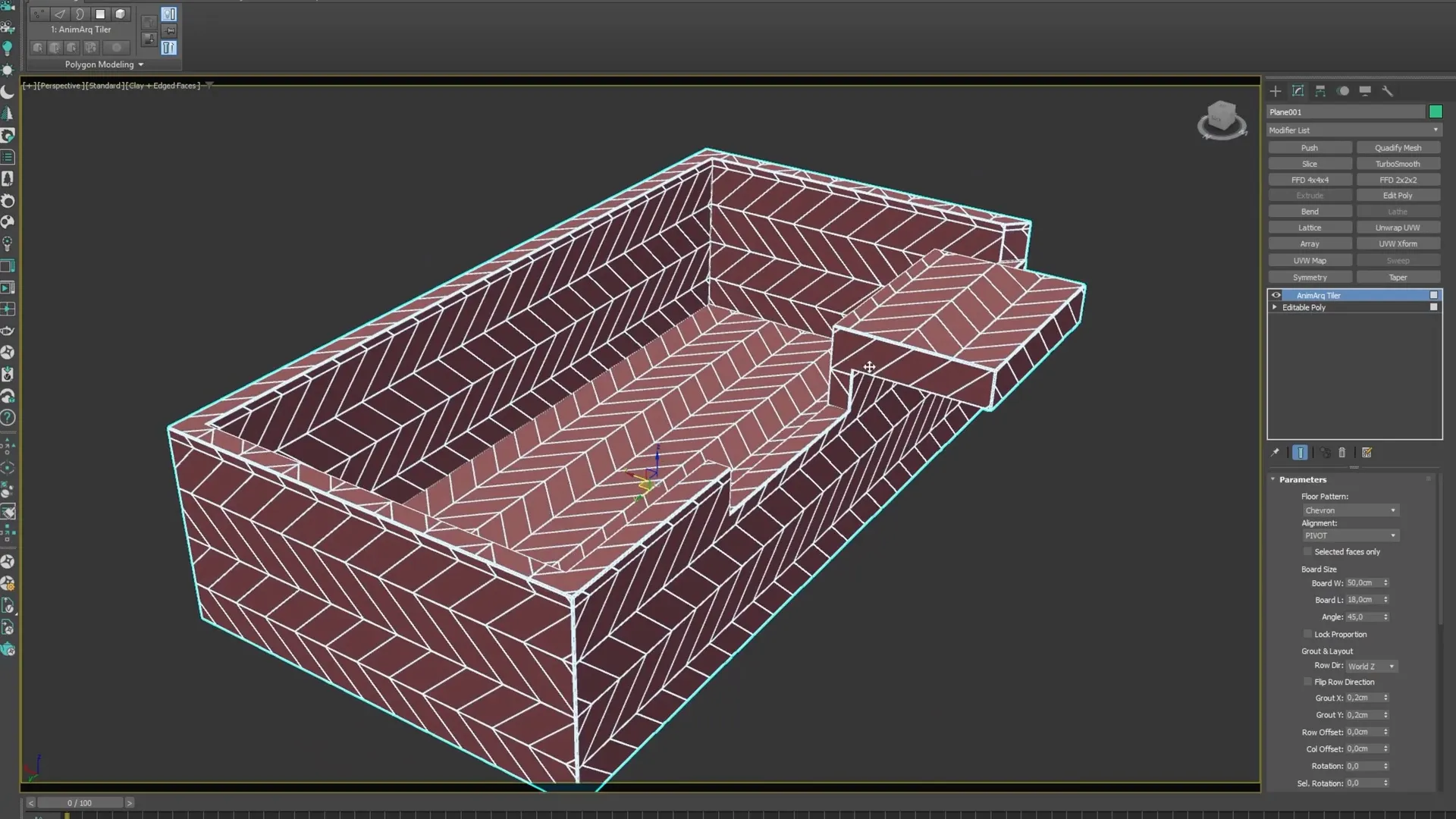
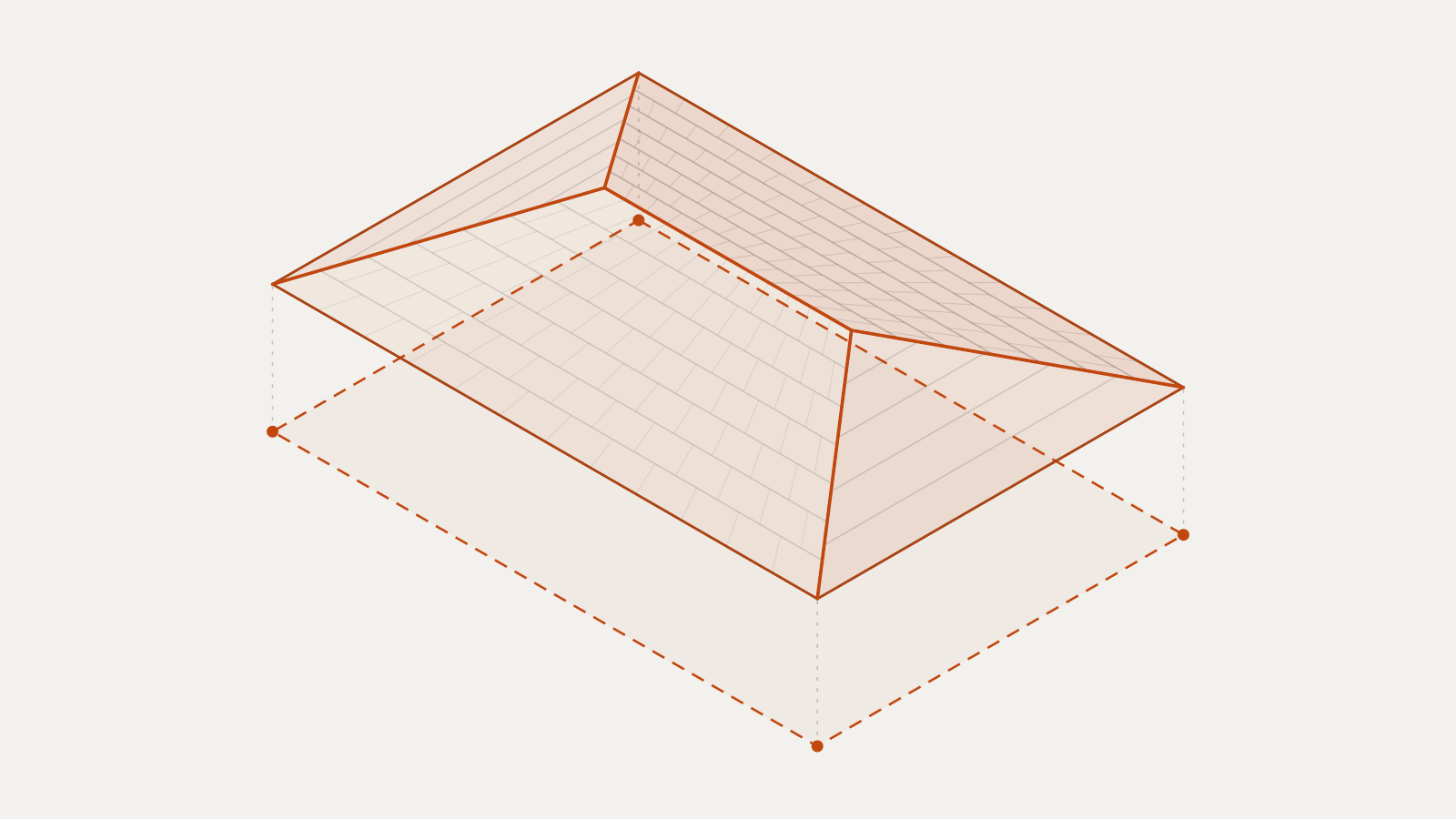
Gerador de padrões de piso e parede sobre qualquer geometria. Clipping côncavo real, mapeamento UV automático e fluxo contínuo entre faces. Floor & wall pattern generator on any geometry. True concave clipping, automatic UV mapping, and continuous flow across faces.

  • 11 padrões — Herringbone, Chevron, Hexágono…11 patterns — Herringbone, Chevron, Hexagon…
  • Recorte côncavo real (L/T, piscinas, furos)True concave clipping (L/T shapes, pools, holes)
  • UV automático — Real-World e Per-TileAutomatic UV — Real-World and Per-Tile
DisponívelAvailable VerExplore
U

Limpeza de MalhaMesh Cleanup

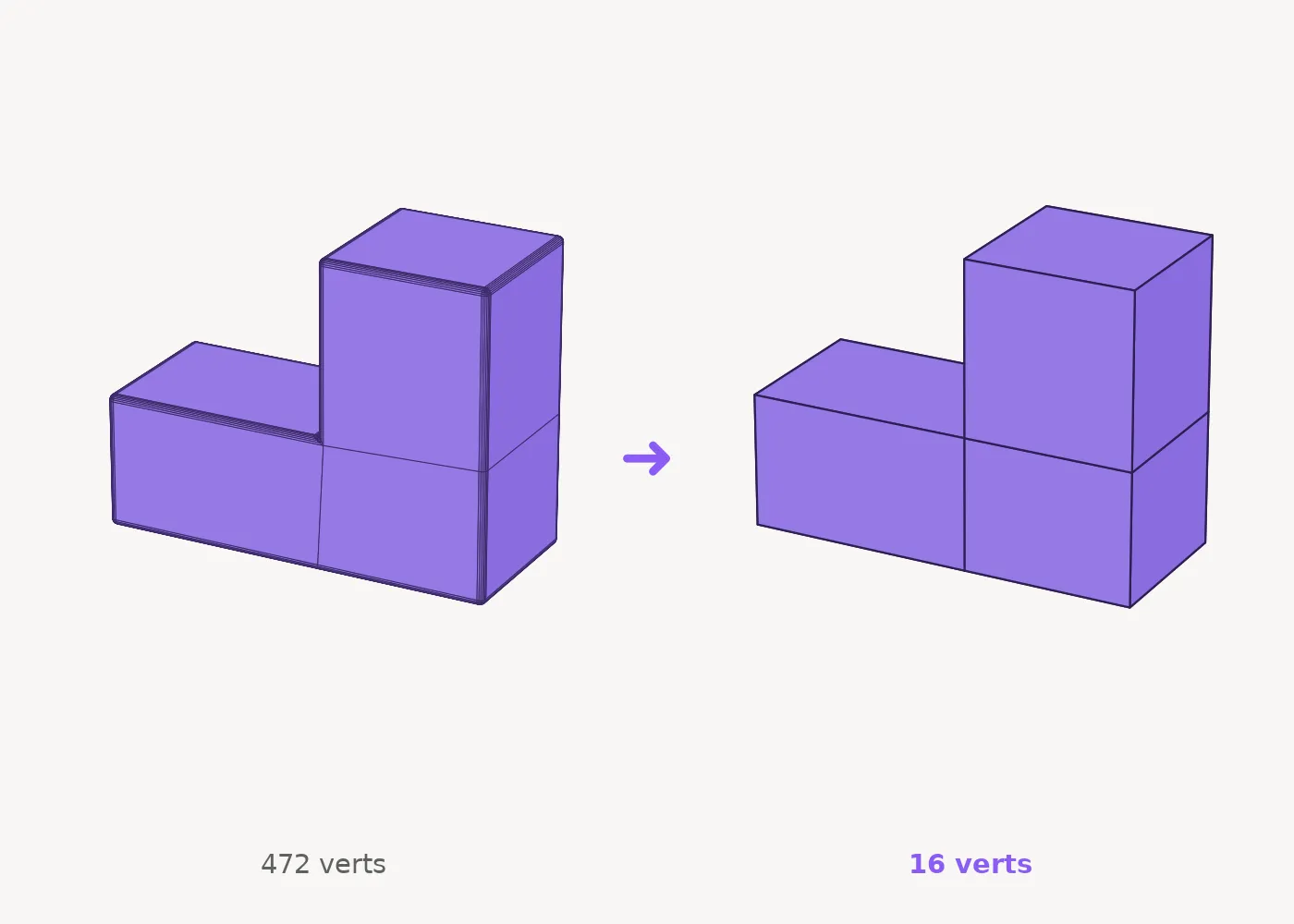
UnChamfer + Instance

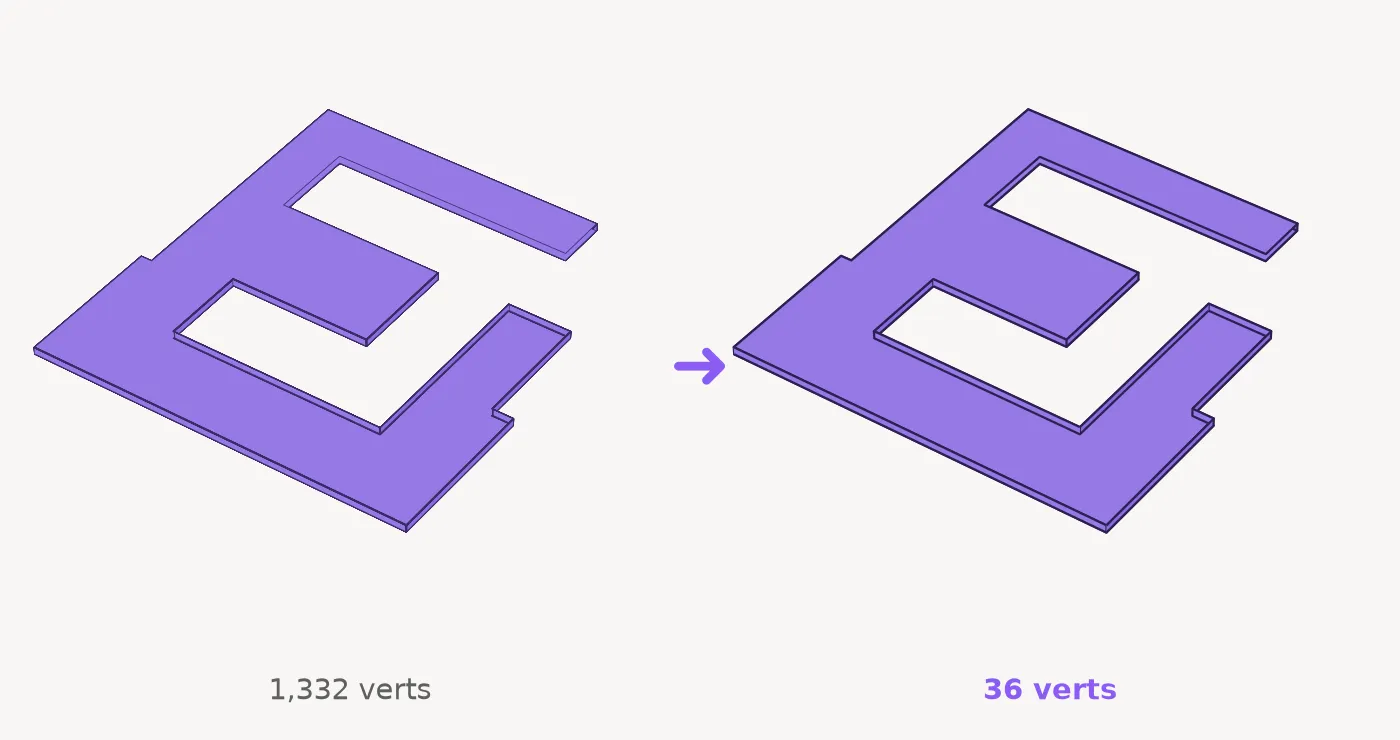
Remove chanfros de modelos CAD importados e reconstrói os cantos vivos — no modo Auto, basta aplicar o modificador. Bônus: Make Instance transforma cópias em instâncias. Removes chamfers from imported CAD models and rebuilds sharp corners — in Auto mode, just apply the modifier. Bonus: Make Instance turns copies into real instances.

  • Detecção automática — sem selecionar nadaAuto detection — no selection needed
  • Preserva UVs, Material IDs e smoothingPreserves UVs, Material IDs and smoothing
  • 3ds Max 2023–2027 · trial grátis embutido3ds Max 2023–2027 · free trial built in
DisponívelAvailable VerExplore
L

Precisão de LinhaLine Precision

Dynamic Line

Linha estilo AutoCAD dentro do 3ds Max. Clique, digite a distância e o ângulo exatos e pressione Enter — com snap Ortho/Polar e spline editável. AutoCAD-style line inside 3ds Max. Click, type the exact distance and angle, press Enter — with Ortho/Polar snapping and an editable spline.

  • Distância e ângulo exatos pelo tecladoExact distance and angle from the keyboard
  • Trava de ângulo + snap Ortho / PolarAngle lock + Ortho / Polar snapping
  • 3ds Max 2022–2027 · resultado é spline real3ds Max 2022–2027 · result is a real spline
GrátisFree VerExplore